 Kettlebell Lab
Your kettlebell program. Built your way.
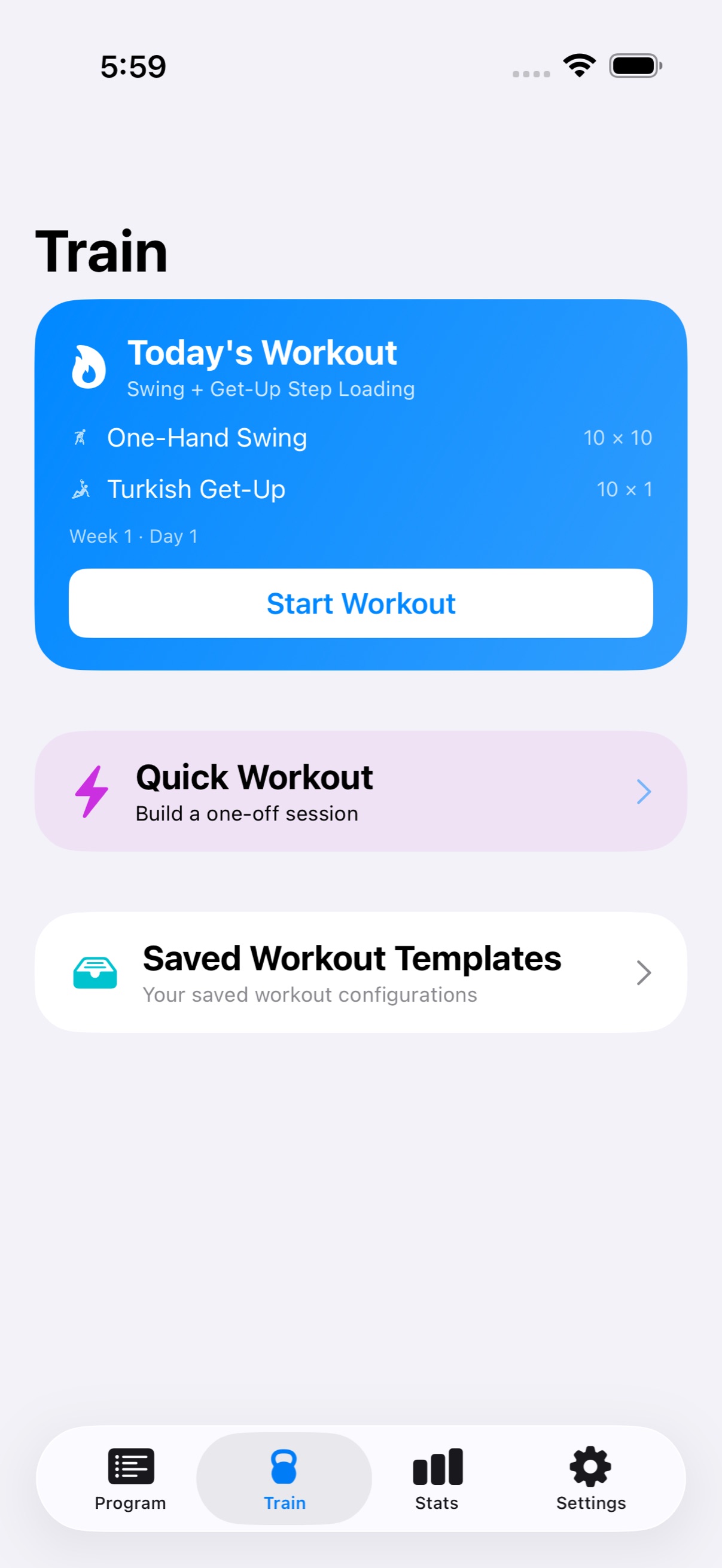
Design your own kettlebell training, then run it rep by rep — with live guidance, progression that adapts, and heart rate on your wrist.
Free to download. Premium from $4.99/month with a 7-day free trial.
Pricing
A training tool, priced like one
Everything you need to train is free. Premium adds the program builder and the long-term tracking around it.
Free
$0
No account, no trial to start.
- Quick Workout — standard sets, EMOM, and circuits
- Saved workout templates
- Full kettlebell exercise library
- Apple Watch heart rate
- Warm-up and cool-down timers
- Workout history with average and max heart rate
Premium
7-day free trial$4.99 / month
or $39.99 a year — about $3.33 a month. Or buy it outright for $79.99, once, with no renewal.
- Everything in Free
- Multi-week program builder
- Multiple saved programs
- Week patterns — repeating, alternating, or custom
- Progression modes — linear or rules you define
- Ladder workouts
- Reusable program templates
- Heart rate charts, exercise history, and program progress
Subscriptions renew automatically unless cancelled at least 24 hours before the end of the current period. Manage or cancel anytime in your Apple Account settings. Lifetime is a one-time purchase — it never renews, and it restores on any device signed in to the same Apple Account.
Programs
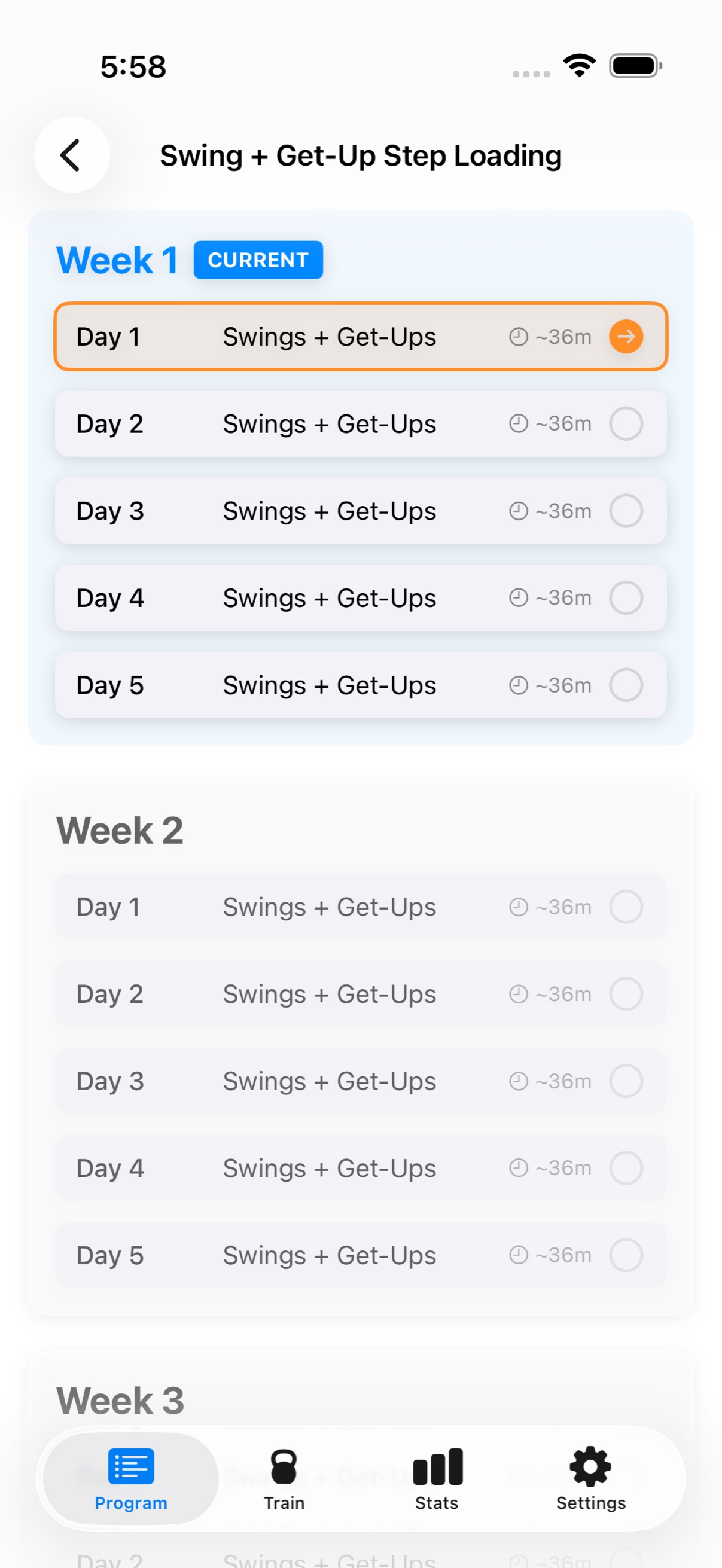
Build the program, not just the workout
Most kettlebell apps hand you their plan. This one lets you write your own — however many weeks, however many days, structured the way you actually train.
- Weeks and days — set the length and the training days that fit your week
- Week patterns — repeat one week, alternate two, or lay out every week by hand
- Progression — add load linearly, or define your own rules per exercise
- Edit mid-program — change any day you haven't completed yet
Formats
Train the way you actually train
Straight sets are the start, not the whole vocabulary. Every session can be built in the format the work calls for.
- Standard sets — per-set targets for reps, weight, and rest
- EMOM — every minute on the minute, with a countdown that runs itself
- Circuits — rounds through a list, with rest between rounds
- Ladders — ascending or descending rep schemes
- Single or double bell — per exercise, wherever the movement supports it
During the session
Guidance through every set
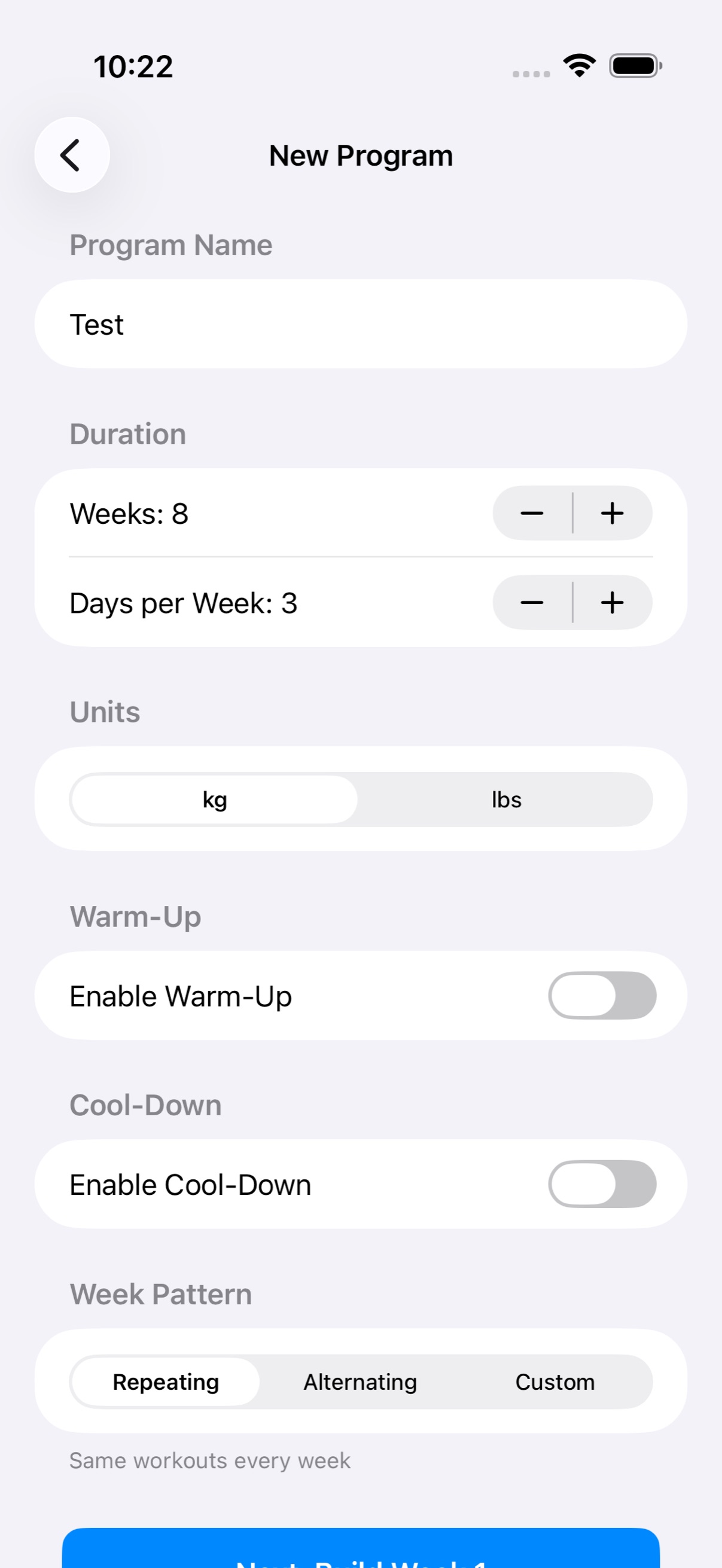
Once you start, the app runs the session so you can keep your hands on the bell. Warm-up, work, rest, cool-down — timed and announced.
- Warm-up and cool-down — timed, and skippable when you don't need them
- Rest countdowns — with sound cues and spoken announcements
- Live Activity — current set and rest visible from the Lock Screen
- Control from either device — pause, skip, or end from phone or watch
Apple Watch
Your heart rate, on your wrist
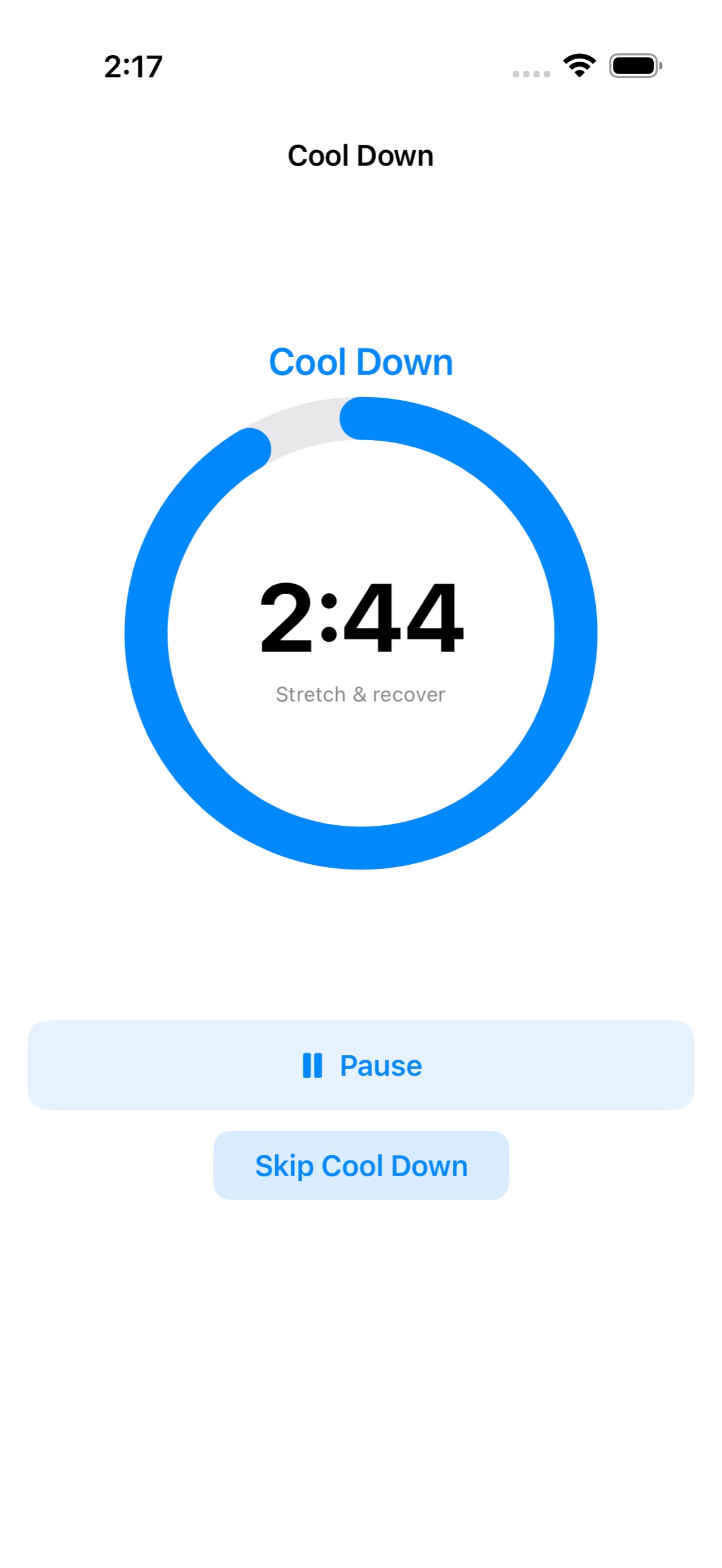
The companion watch app tracks heart rate through the session and lets you drive the workout without picking up your phone.
- Live heart rate — streamed to the phone as you train
- Wrist controls — complete a set, skip rest, pause, or end
- Saved to your history — average and max for every session
Progress
See what the work added up to
Every session is recorded automatically. Over weeks that becomes the record of what you actually lifted, not what you meant to.
- Session history — every workout, with average and max heart rate
- Heart rate charts — the full curve of a session
- Exercise history — how one movement has progressed over time
- Program progress — where you are in the plan you built
Start with your own program
Free to download, with the program builder free to try for seven days.