 Kettlebell Lab
Everything it does
Kettlebell Lab is built for people who already know what they want to train. It gives you the structure to write a programme and the guidance to actually run it.
Program builder
Write the plan yourself
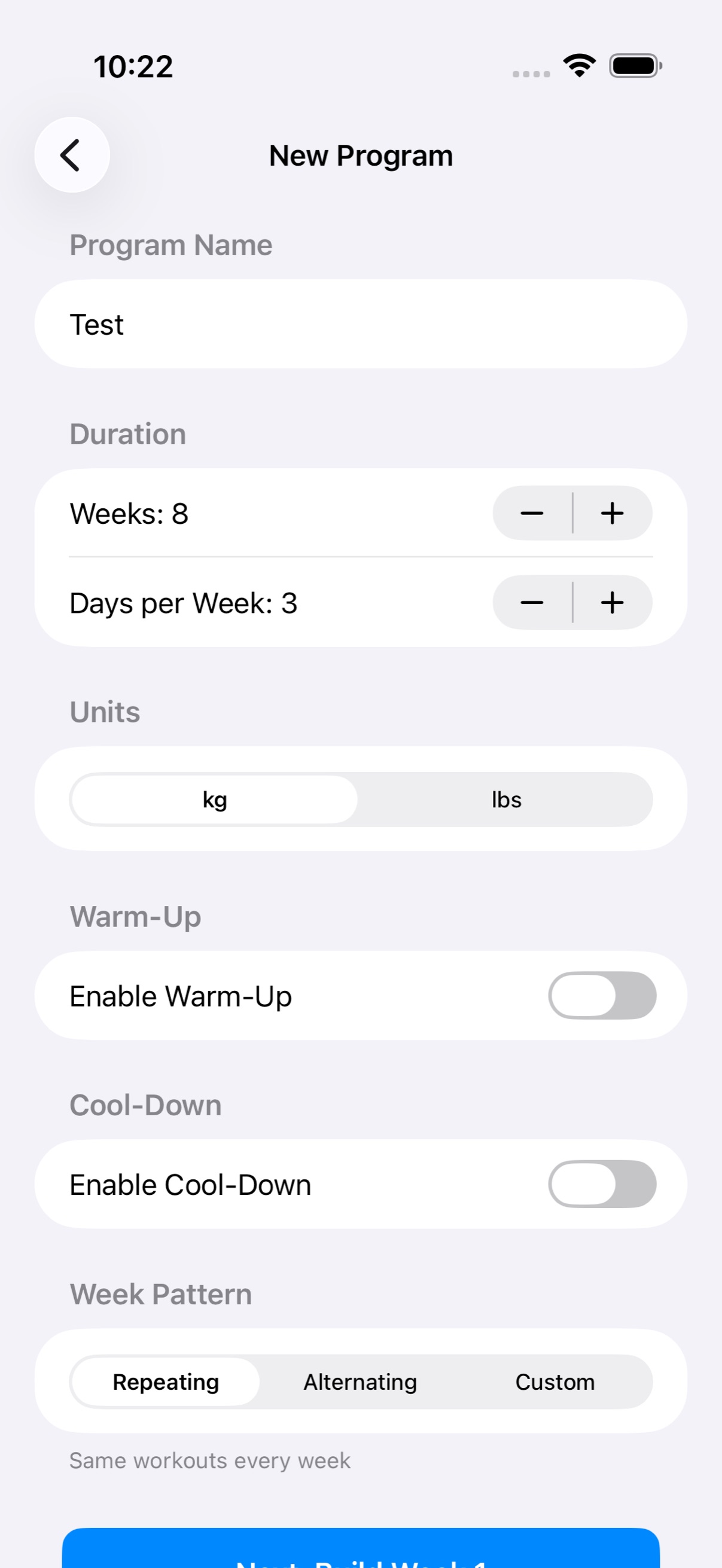
Set the shape of the programme first — how many weeks, which days, how the weeks relate to each other — then fill in the training day by day.
- Any length — set the number of weeks and the number of training days in each
- Repeating weeks — build one week and run it for the whole block
- Alternating weeks — build two and switch between them
- Custom weeks — lay out every week individually when the plan changes as it goes
- Copy a day — duplicate a day you've already built instead of retyping it
- Multiple programmes — keep more than one and switch between them
Progression
Load that moves without you
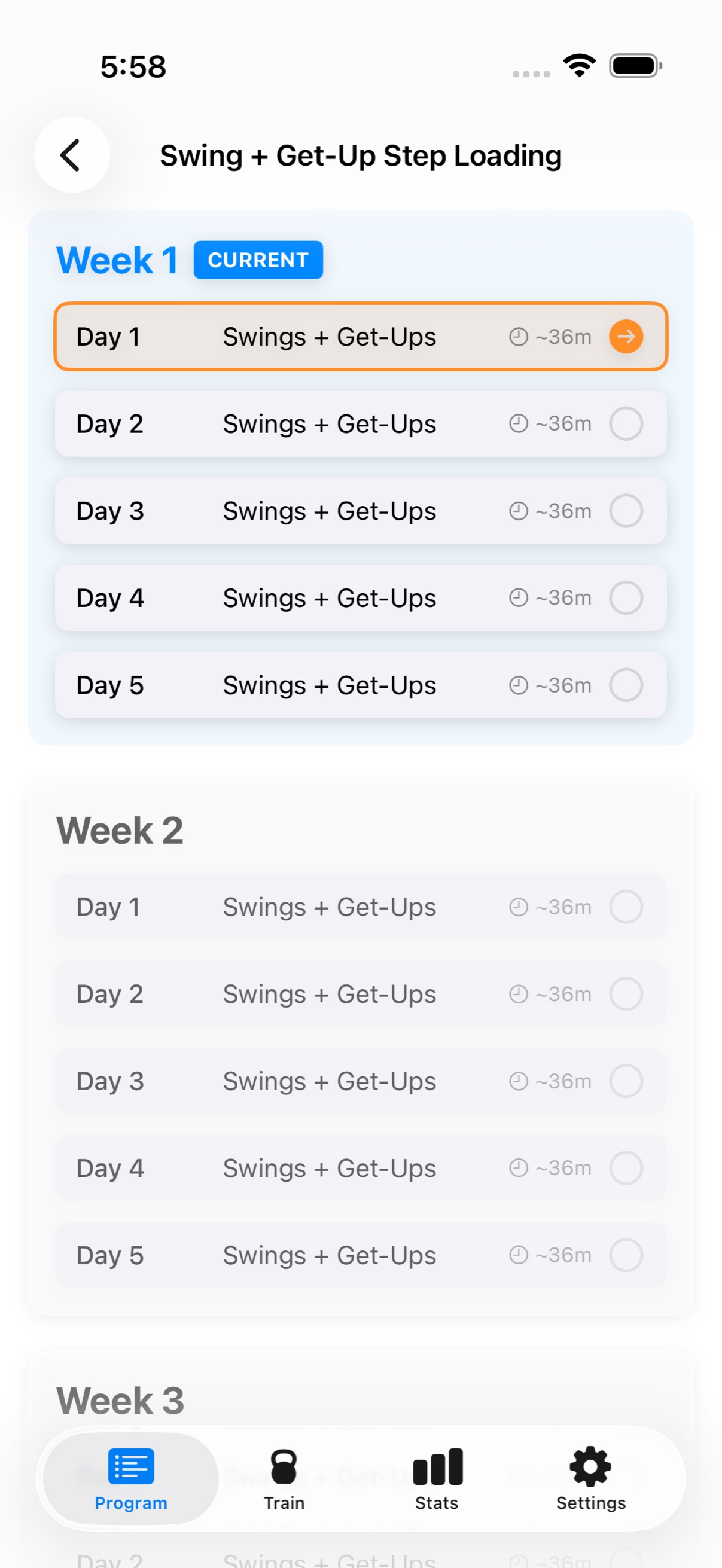
A programme that never changes is just a list. Progression rules decide how the work advances from week to week so you aren't re-editing every session by hand.
- Linear — add a set amount of load on a set schedule
- Custom — define the rules per day and per exercise
- None — leave the programme fixed if you'd rather drive it yourself
- Edit mid-programme — change any day you haven't completed yet, without starting over
Formats
Four ways to structure the work
Every session is built in the format the training calls for, with the timing handled for you once it starts.
Standard sets
Per-set targets for reps, weight, and rest. The straightforward option, and the one most programmes are built on.
EMOM
Every minute on the minute. The app runs the countdown and tells you when the next minute starts.
Circuits
Rounds through a list of exercises, with rest between rounds rather than between movements.
Ladders
Ascending or descending rep schemes, with each step tracked as you climb. Premium.
Single or double bell
Set per exercise, wherever the movement supports two bells.
Templates
Save any session or programme you've built and reuse it instead of rebuilding it.
During the session
Hands on the bell, not the phone
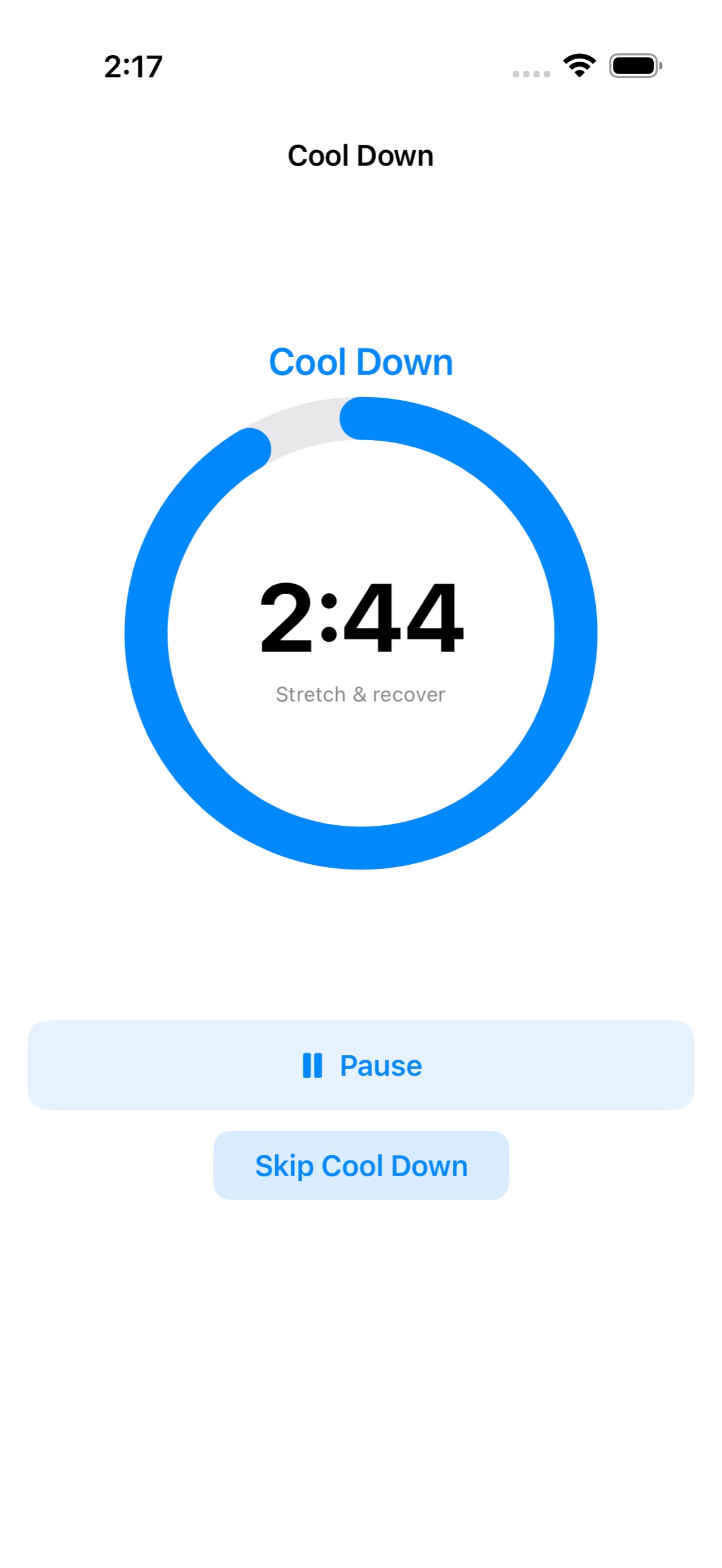
Once a workout starts the app takes over the timing and tells you what's happening, so you're not reading a screen between sets.
- Warm-up and cool-down — timed phases at either end, skippable when you don't want them
- Rest countdowns — automatic between sets, with sound cues
- Voice announcements — spoken prompts so you can keep your eyes up
- Live Activity — current set and rest on the Lock Screen and Dynamic Island
- Full control — pause, skip, or end from either the phone or the watch
Apple Watch
Heart rate and controls on your wrist
The companion watch app runs alongside the workout, reading your heart rate and giving you the controls you need mid-set.
- Live heart rate — streamed to the phone and shown as you train
- Wrist controls — complete a set, skip rest, pause, or end the session
- Recorded with the session — average and max saved to your history
- Written to Apple Health — completed workouts appear alongside your other activity
Progress
A record of what you actually did
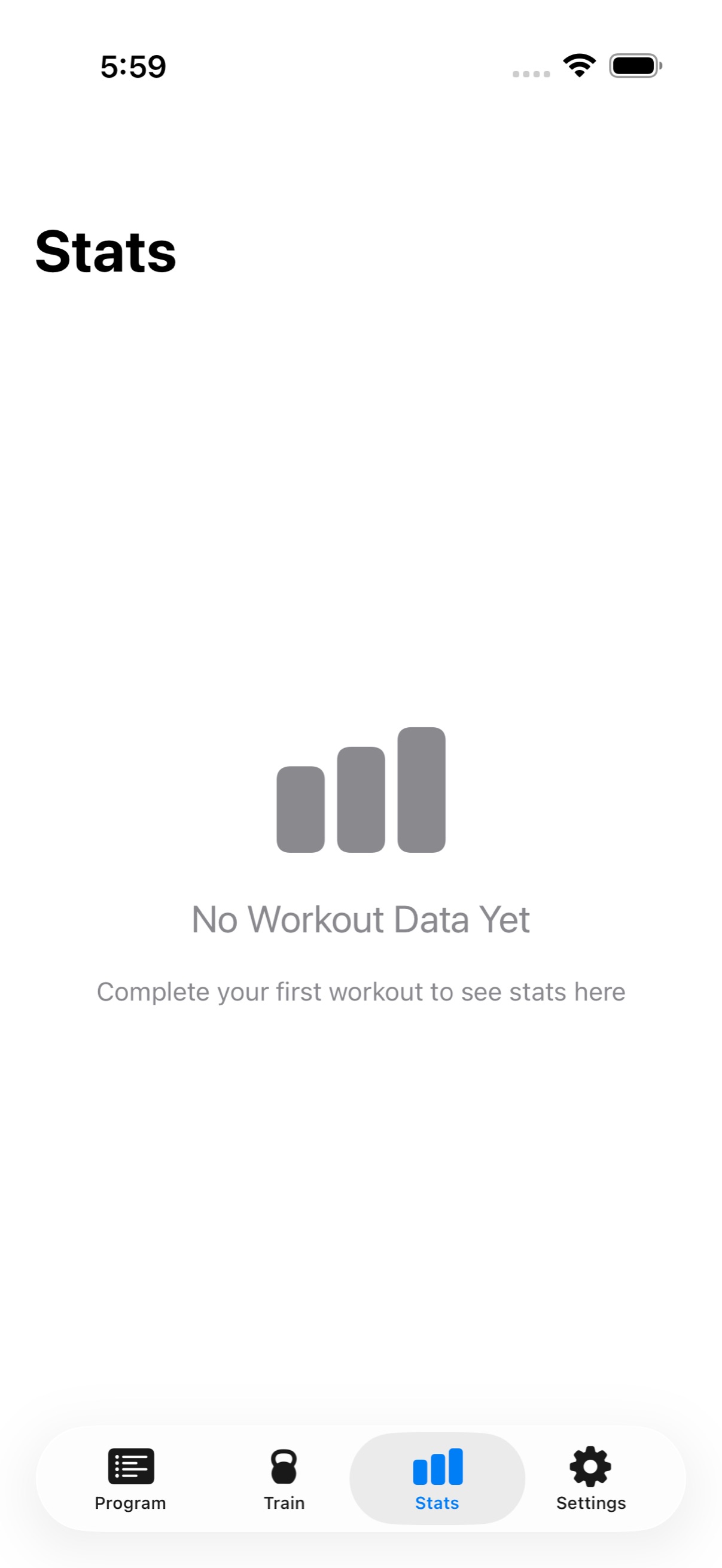
Sessions are saved as you finish them. Over a block that becomes an honest record of the work, rather than the plan you meant to follow.
- Session history — every completed workout with duration and heart rate
- Heart rate charts — the full curve across a session
- Exercise history — how a single movement has progressed over time
- Programme progress — where you are in the block you built
The rest of it
Details that matter once you're using it daily
Your kettlebells
Tell the app which bells you own — fixed weights or an adjustable — and it only ever programmes loads you can actually make.
Exercise library
Kettlebell movements organised by category — grinds, ballistics, carries, core, combos, and complexes — each with a description and demonstration links.
Quick Workout
A one-off session without touching your programme, for the days that don't fit the plan. Free.
Pounds or kilos
Set your unit once and the whole app follows it.
Workout reminders
Local notifications on the weekdays you choose, so the session doesn't quietly slide.
iCloud sync
Programmes and history sync across your devices through your own iCloud account. No sign-up, no account to manage.
Build your first programme
Free to download, with the programme builder free to try for seven days.